“We find out what was weak when the rejection letter comes.”
See where it’s weak before the reviewers do.
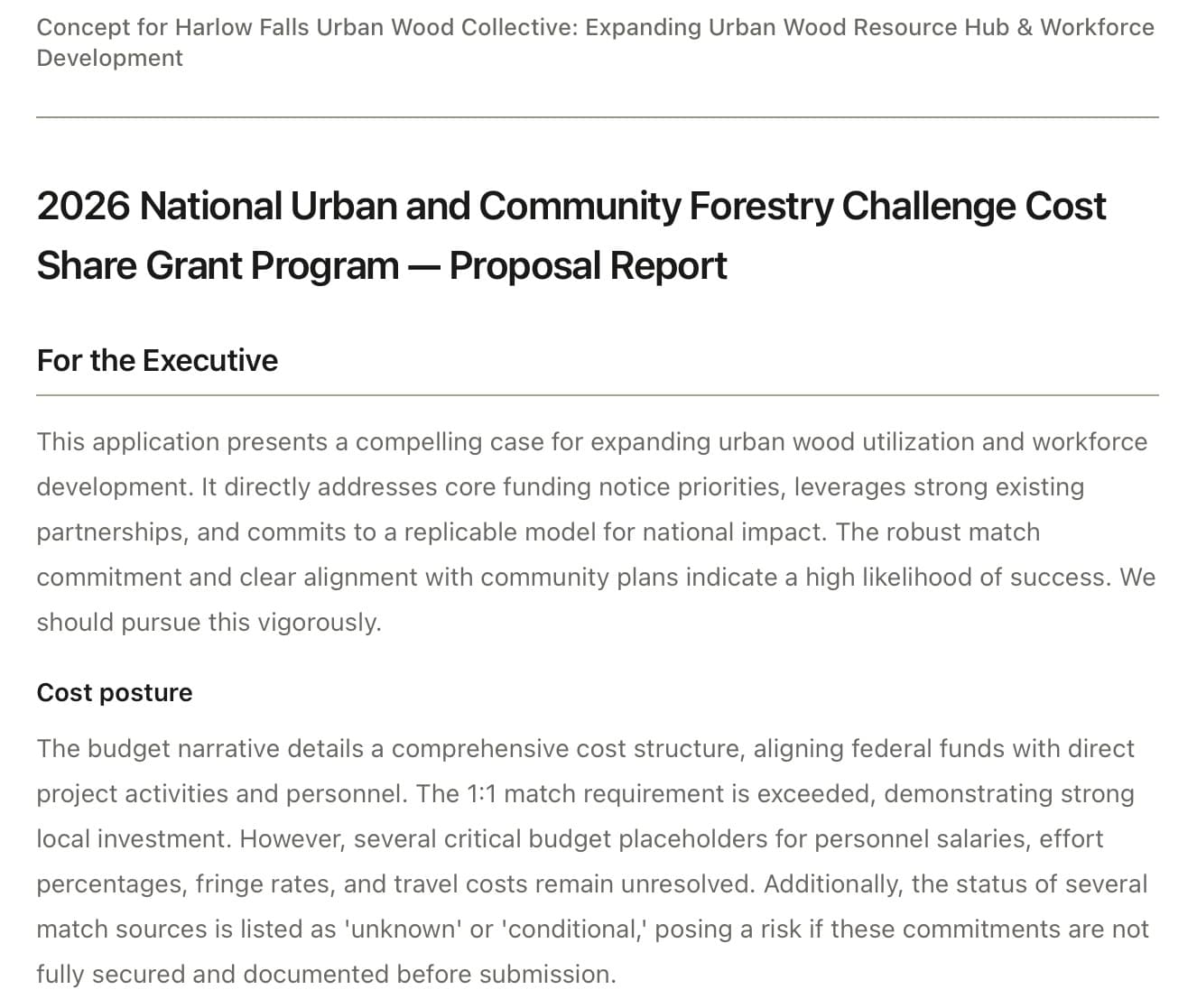
Every section is compared with what the notice asked for before you read the draft. You get the open items by criterion, the compliance gaps, and a quality report that separates must-fix problems from polish.
Responsiveness, criterion by criterion
Each review criterion and required element in the notice is matched to the section that answers it. What is unanswered, or answered thinly, is listed.
A compliance gap list
Required forms, attachments, page limits and formatting rules from the notice, checked against what the application contains.
Must-fix items first
The quality report flags placeholders, unsupported figures and missing evidence as must-fix, so the last days before a deadline go to the things that lose points.
An internal review you do not have to build
Use the report as your review checklist, or hand it with the draft to whoever signs off. Export the draft and send it to your own reviewers.
What it looks like
How it works for you
For consultants
Show the client exactly what is still open, with the notice’s own criteria.
More for consultantsFor nonprofits
Catch the missing attachment and the unanswered criterion before the funder does.
More for nonprofitsFor leadership teams
One short report to read before you approve the submission.
More for leadership teamsFor public-sector grant staff
A responsiveness record for internal review before it goes to leadership.
More for public-sector grant staffQuestions
Does it predict our score?
No. Today you get the responsiveness check, the compliance gaps and the quality report: what is unanswered or weak, criterion by criterion. It does not estimate points, and it cannot promise an award.
Can it check a draft we wrote ourselves?
The checks run on drafts built in SoliContraX. Upload the notice and your files, approve a concept, and the draft is checked as it is written.
Does it submit the application?
No. It prepares and checks the application. You submit it through Grants.gov or the funder’s portal yourself.
How is it priced?
Credits, bought as you go, with no subscription and no seats. Each run uses only what it needs. Making an account is free, and credits never expire while your account is active.
The other problems it solves
- Drafts you can put your name onClosed-book drafting: written only from the notice and your files, with anything unsupported flagged.
- Know if it is worth pursuingEligibility, criteria, match and deadlines pulled from the notice, with a fit score and gaps from your files.
- A concept to approve, then a fast draftA concept and a Concept Deck to get sign-off before drafting, then a full draft in about 10 minutes.
- Your files stay yoursEncrypted, private to your account, never sold, never used to train AI. See exactly where your files go.
Fix it before they score it.
Start free
Making an account is free. Uploads, concepts and drafts run on credits you buy as you go.
Want the costs first? See pricing.